Take Control of Your Career Journey with "My Applications"
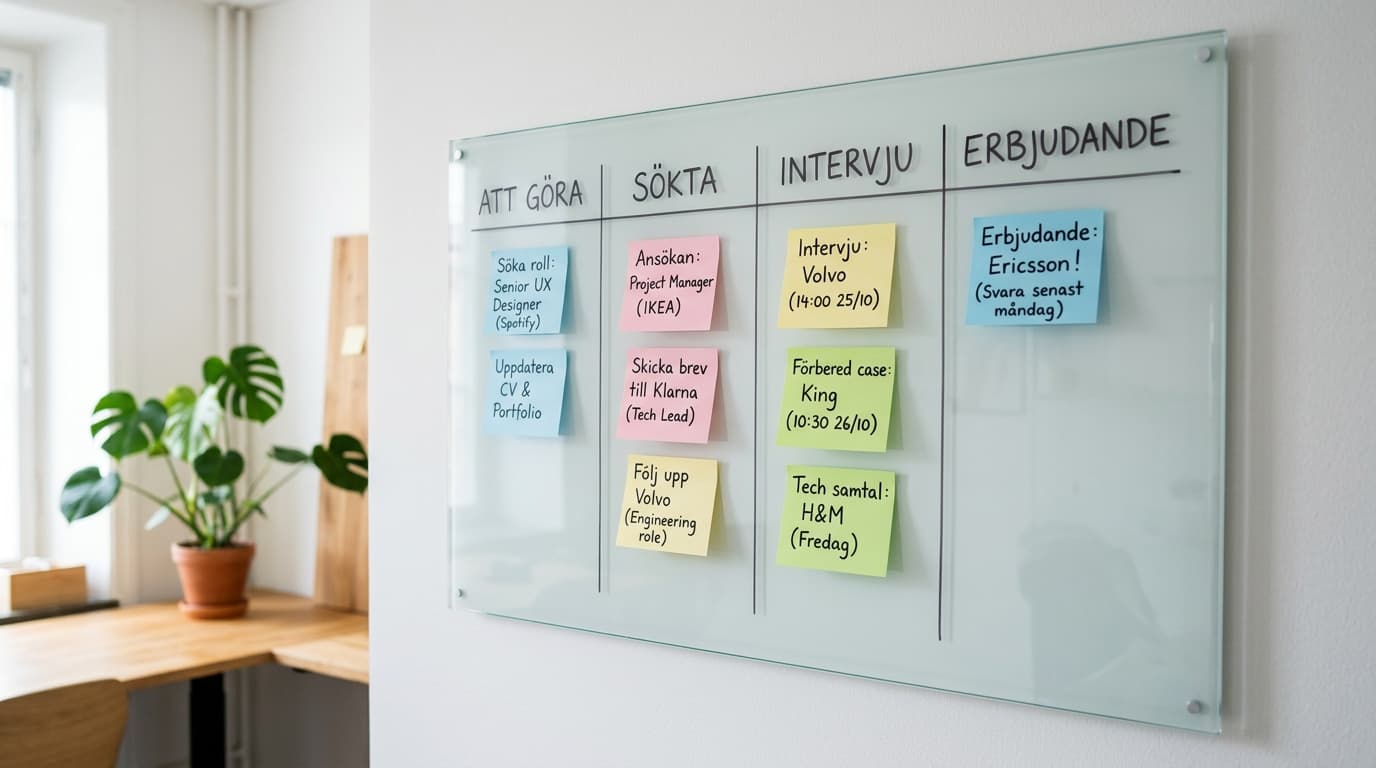
Job hunting can often feel chaotic. Keeping track of dozens of applications, remembering when you applied, managing interview dates, and recalling what was discussed with which recruiter is a full-time job in itself.
To make your job search more fun, structured, and most importantly, successful, Bytajobb.se is launching a brand new experience today: My Applications.
An exclusive, interactive Kanban board seamlessly integrated with the platform's powerful AI tools. Here is everything you need to know to take your career journey to the next level.
1. Your Entire Job Search Journey – From Interest to Signed Contract
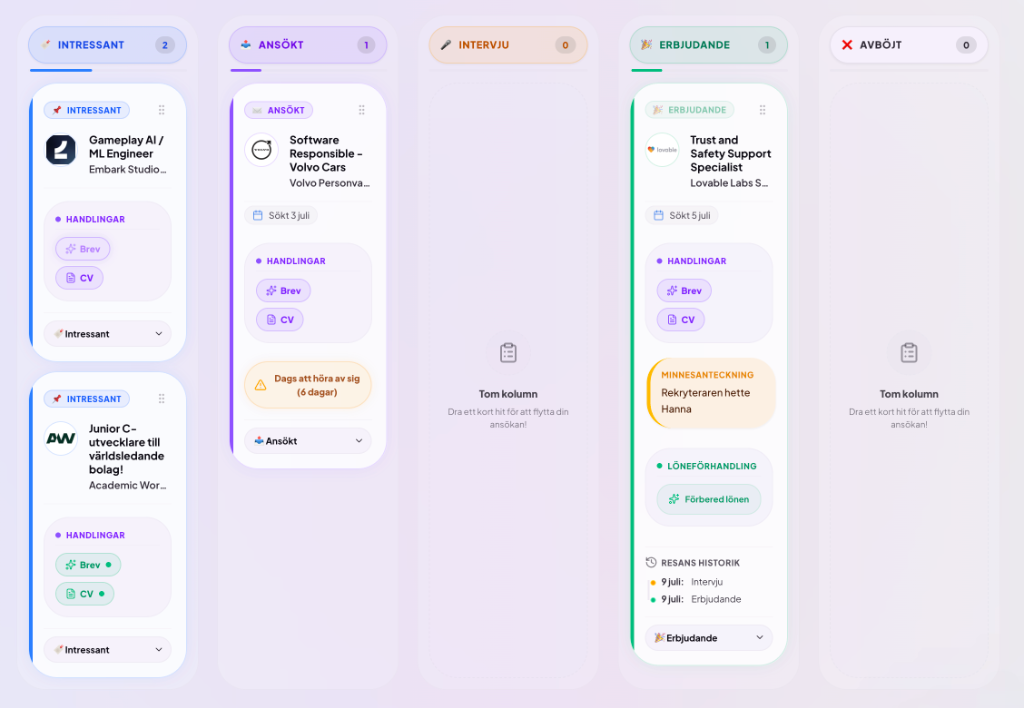
At the heart of this feature is a visual Kanban board divided into five natural stages:
- Interested: Jobs you saved on the platform or added manually out of curiosity.
- Applied: Jobs where you have submitted your application.
- Interview: Jobs where you have been invited to a conversation.
- Offer: Jobs where you have received a concrete job offer.
- Declined: Jobs you turned down, or where the process concluded.
Through a simple drag-and-drop interface, you move your jobs between columns. On the go? No problem – each card has a smart status selector optimized for mobile screens so you can manage your applications wherever you are.
2. Find Similar Jobs with a Single Click
See an interesting card on your board and want to find more similar open positions on Bytajobb.se? When you hover over any card, a small magnifying glass search icon appears in the top-right card actions menu. Clicking it immediately searches the platform for matching job titles, letting you quickly replenish your pipeline with relevant opportunities.
3. Flexible Date Management and Smart History
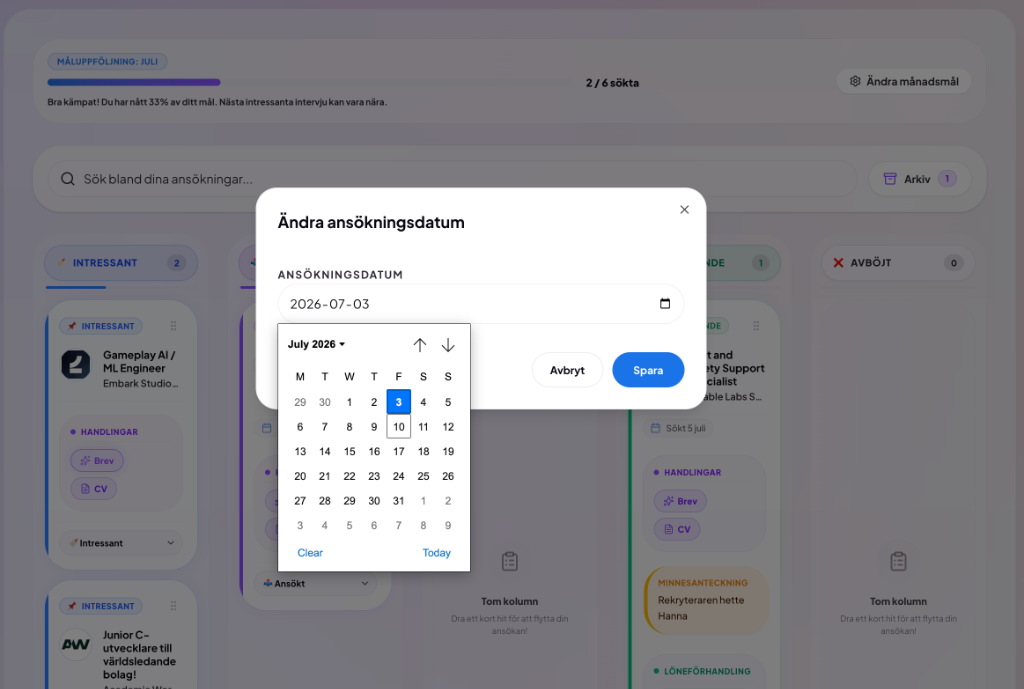
When you move a job to "Applied", the board automatically sets the application date to today. But we know that you sometimes register applications retroactively.
- Manual Date Selection: Click the date badge on the card to choose the exact date you submitted the application.
- Resetting: Moving a card back to "Interested" automatically removes the date.
- Journey History: Every status shift is logged chronologically, creating a neat vertical timeline at the bottom of the card. If you move a card between conflicting final stages (like "Offer" and "Declined"), outdated logs are hidden automatically to ensure your history remains clean and logical!
4. Personal Sticky Notes (Post-it)
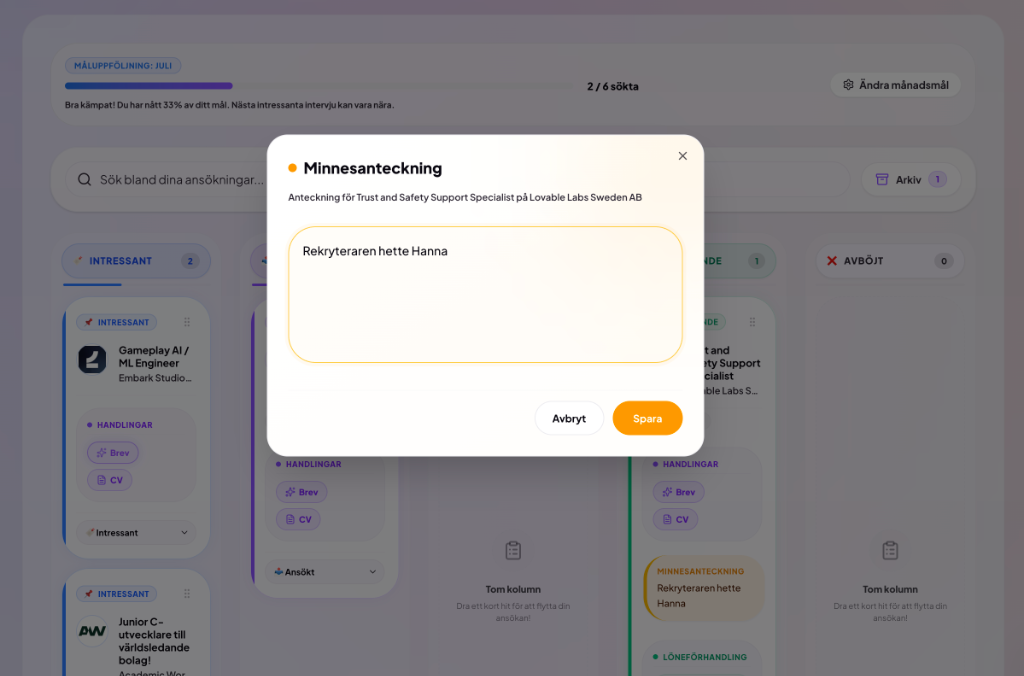
Have you received a direct number to a recruiter, or do you want to write down your thoughts about the company culture? Each card is equipped with a virtual yellow sticky note. Click the edit pen icon in the card's top-right hover menu to write down your thoughts. The note appears directly on the card so you never miss an important detail before your next call.
5. Manage Application Documents with AI (Letter & CV)
Each card contains smart buttons for Letter and CV under the "Actions" section. If a card is missing a letter or a link to your CV, these buttons breathe with a subtle purple border glow to guide you.
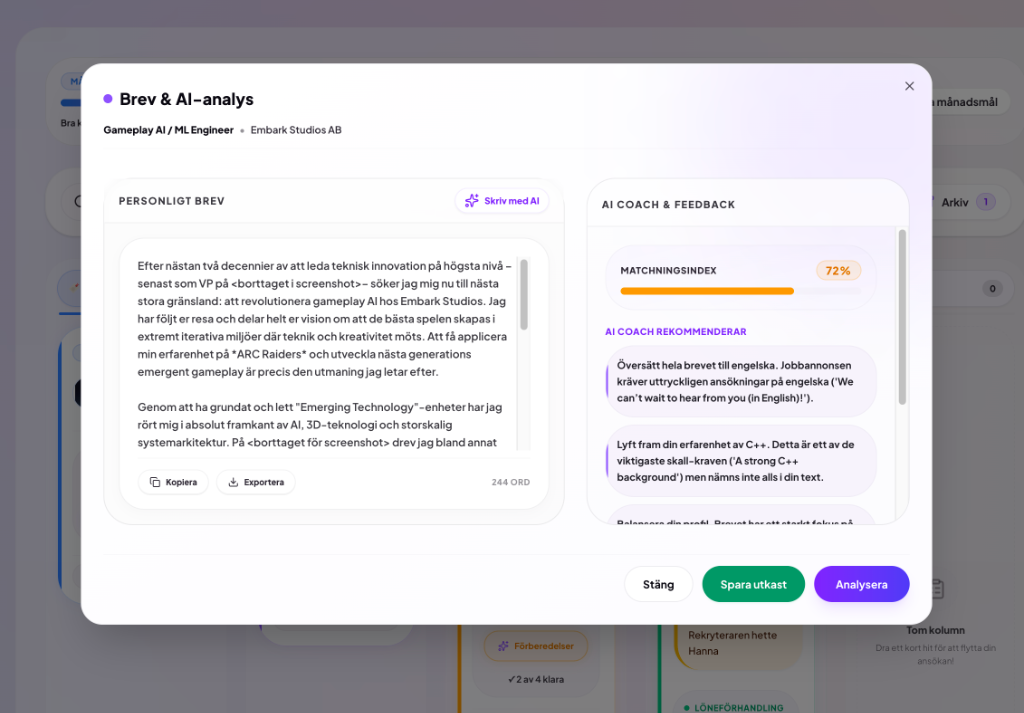
- Write with AI: Click "Letter" to open the built-in document workspace. Write it yourself, or let our AI formulate a tailored draft matching the job you are targeting.
- AI Coach & Match Index: Get immediate feedback analyzing how well your text aligns with the job ad's requirements. The coach gives you specific pointers on what to highlight along with a percentage matching index.
- Copy & Export: Once you are satisfied, copy the text to your clipboard with one click, or export it directly as a plain text file (
.txt) ready for your application! - Optimize your CV: Click "CV" to link a saved CV version to your application. From here, you can also let the AI tailor and save a brand new version of your CV, optimized for the job's specific keywords and requirements.
6. Interview Checklist with Pulsing Reminders
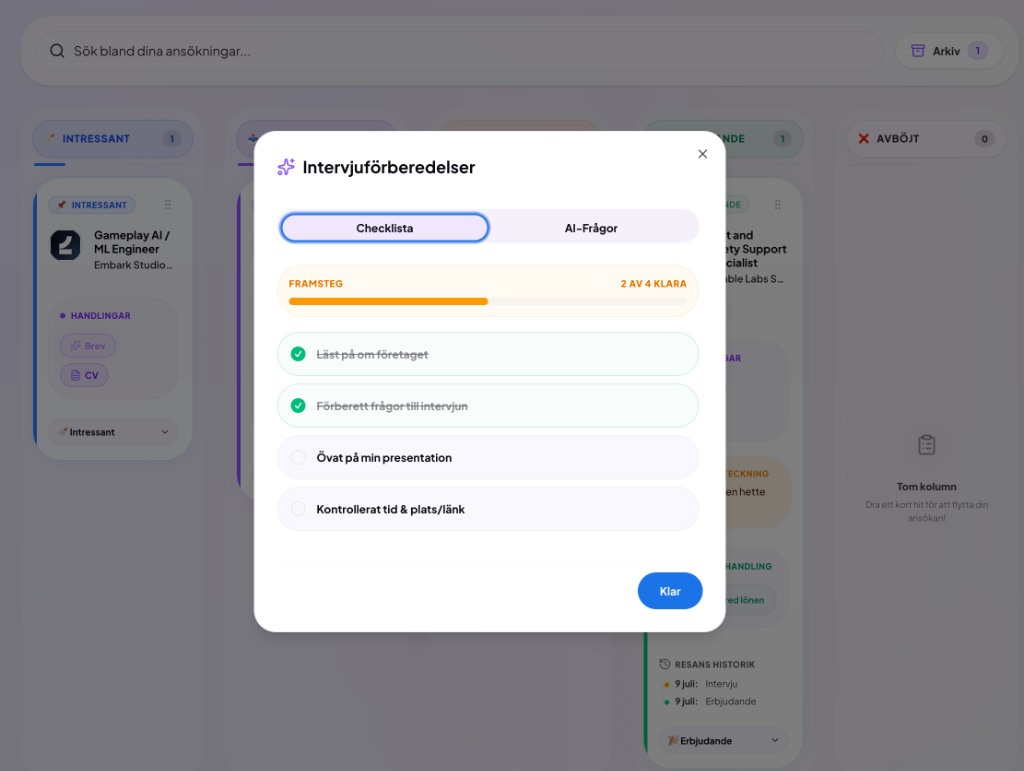
When you reach the exciting "Interview" stage, a gold-colored milestone badge lights up on the card. Simultaneously, an interactive checklist unfolds directly on the card:
- Research the company
- Prepare questions for the interview
- Practice your presentation
- Double-check time & location/link
A pulsing warning light next to the checklist gently reminds you that you have preparations left. You can easily check off the steps directly on the board as you prepare.
- Tailored AI Questions: Click on "Preparations" on the card and switch to the "AI-Questions" tab in the dialogue. Our built-in AI automatically analyzes the job post and company profile to generate tailored, realistic interview questions and answer tips to help you prepare!
7. Proactive Reminders & AI Email Templates
Forgetting to follow up on a submitted application is one of the most common reasons why hiring processes stall. We've built in smart notifications to help you stay on top:
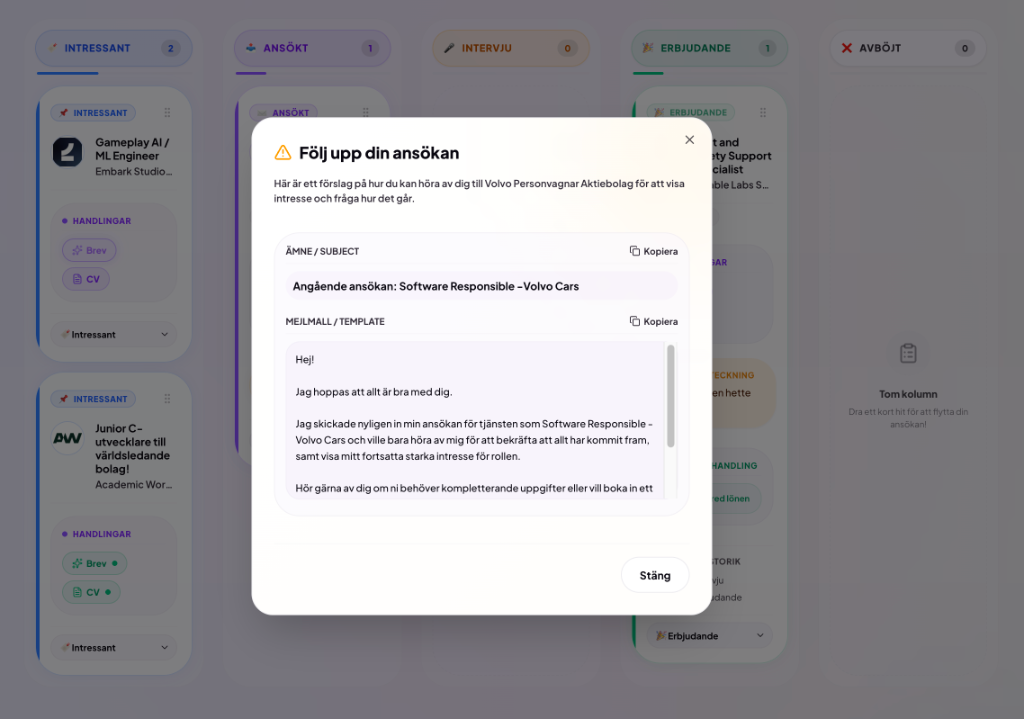
- Follow-up Application: If a card remains in the Applied column for over 10 days, a breathing warning tag appears:
Time to follow up. - Thank-you post interview: If a card remains in the Interview column for over 5 days, a tag appears:
Send thank-you email. - AI Email Templates: Clicking on either badge opens a dialogue loaded with a professional email draft tailored to that specific company and job – ready to copy and send!
8. Archiving Cold Tracks
Sometimes hiring processes go cold. To prevent your Kanban board from getting cluttered, you can easily archive old cards:
- Cold Tracks: If an application sees no activity for 3 weeks (21 days), it's labeled as a
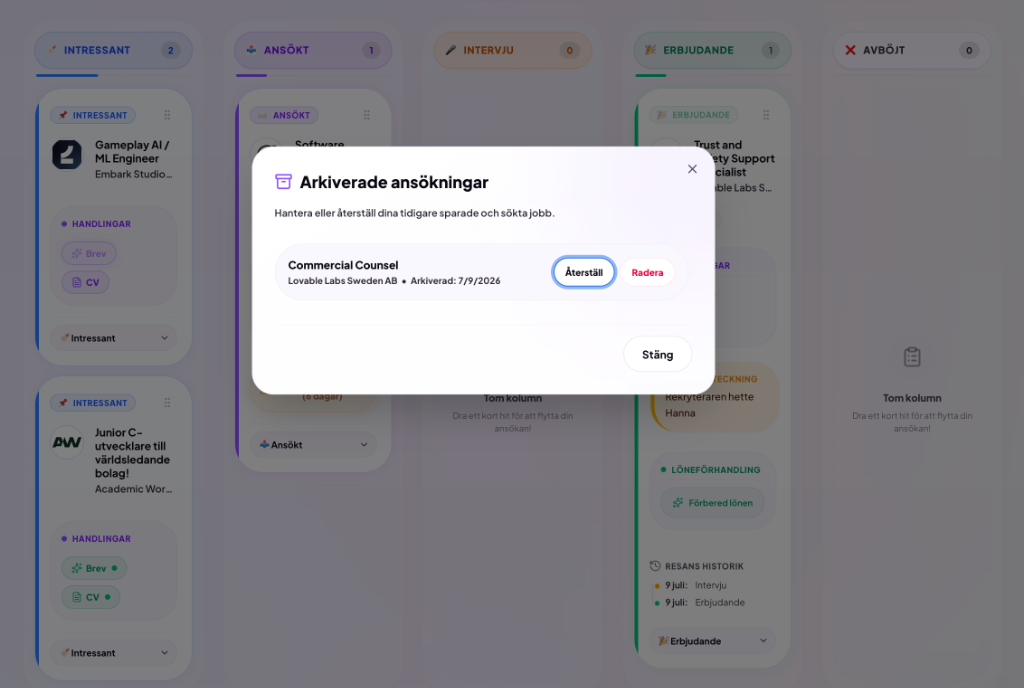
Cold track. A quick shortcut button lets you archive it instantly right from the card. - The New Archive: You can archive any job via its hover menu. Archived cards are kept in a dedicated archive panel (accessible by clicking "Archive" next to the search bar) where you can restore them to the board or permanently delete them at any time.
9. Prepare the Salary Negotiation with our AI Salary Coach
The most privacy-sensitive step in a recruitment is salary. Instead of asking you to input your own salary details, we have built our appreciated Salary Coach AI directly into the board:
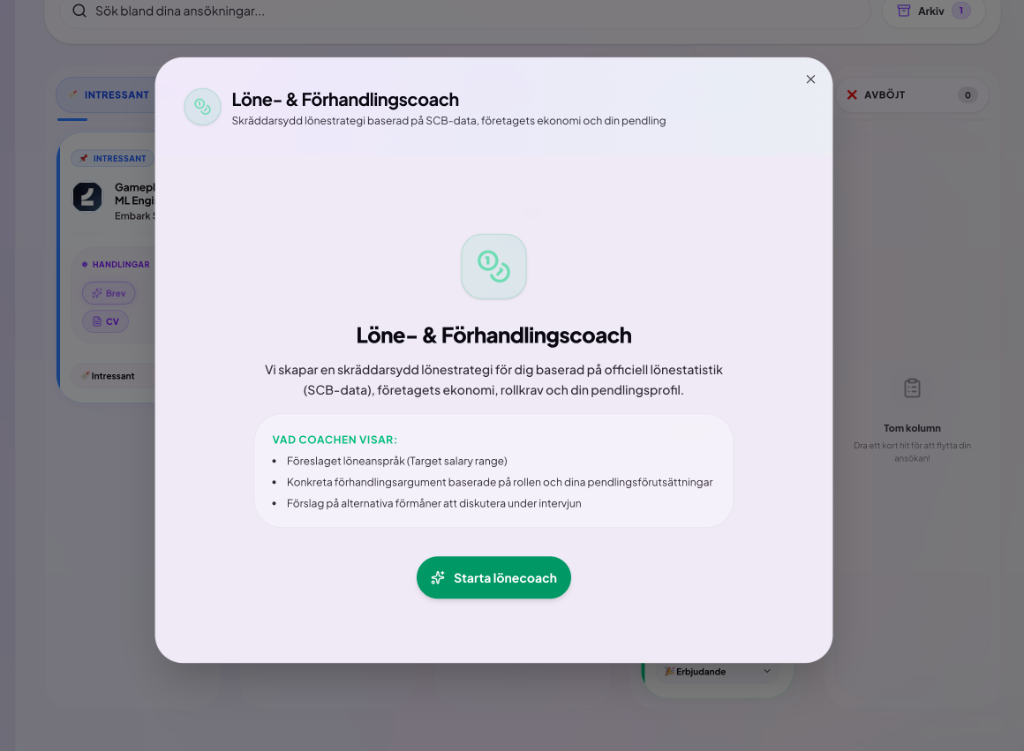
- When a job is moved to "Offer", a green "Löneförhandling" container renders right at the card's header: "Prepare Salary Talk".
- Clicking opens the Salary Coach AI, which automatically fetches official SCB average salaries for your specific occupation and analyzes the employer's latest financial records from Bolagsverket.
- You get tailored arguments and salary ranges adapted to the employer's actual payment capacity – completely without having to share your own salary history.
When a job lands in "Offer", we also celebrate your success with a joyful confetti firework across the screen!
10. Integrated Goal Tracking
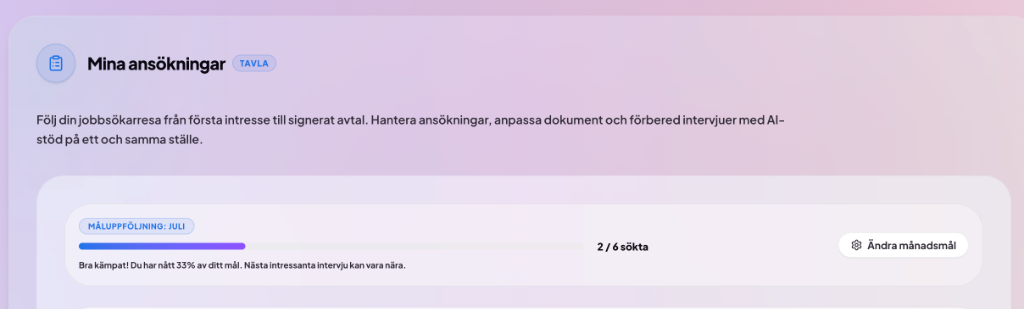
To keep your motivation high, we've added a goal tracking bar at the top of your board.
- See how many applications you submitted during the current calendar month relative to your goal.
- Easily change your monthly target (e.g., 3, 5, or 10 applications) with a single click on the cog icon directly on the board.
- When you reach your target, you are rewarded with a pulsing "Goal Reached! 🎉" badge.